Audiovisual OS From file to video.
Audiovisual infrastructure over web, API and MCP: hand over the files from your architecture, design or 3D software and get the finished video back.

3DThe scene in the 3D file

RenderThe render of that scene
AI VideoThe generated video take
Maximum price the web showed before generating this take$1.89
- 10 s
- 704×1280
- 60 fps
- 2026-11-18
Measured use is charged.
- An agent runs every step
- You see the price before you pay
- Pay per use, no subscription
- Your team works in one shared space
One operating system for all audiovisual creation
- 3D

MYEQ 3D
Create 3D models from a photo, a drawing or procedurally, and export them as GLB.
Photo to 3DFrom drawingsGLB - Render

MYEQ Render
3D renders and motion graphics in the cloud. Review the result before approving it.
3D scenesReview24 / 30 / 60 FPS - v2

MYEQ v2
Video from an image, from audio with lipsync or from another video.
Image to videoLipsyncVideo to video - Camera

Camera Control
Preview the camera path with a free guide and review the checks before generating.
OrbitDollyCrane - Integration
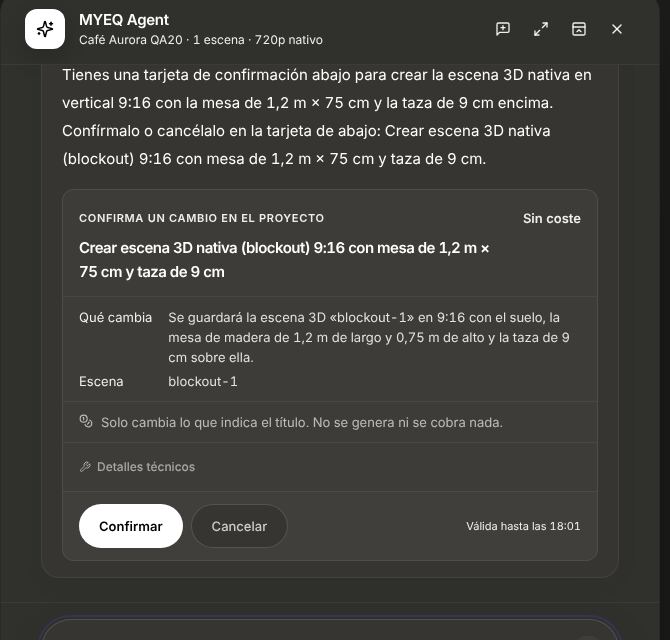
Web / API / MCP
Use it in the Studio, integrate it through the API or let your AI agents run it over MCP.
WebAPIMCP
From file to result in one system
1. Import files
Drawings, models, photos and images from your software.
2. Generate 3D
MYEQ 3D creates or rebuilds the scene.
3. Render
MYEQ Render in the cloud, reviewable.
4. Create the video
MYEQ v2 and Camera Control.
5. Review and deliver
Approve, MYEQ Refine and download.
Collaborative production and full control
Organize projects, manage versions, review results, approve deliveries, control the budget and work with your team in one shared space.
- Members and permissions per Workspace
- Shared library and Production Bible
- Versions, review and approval
- Spending visible per project
Projects
 3D campusv4In review
- Product launchv3Approved
- Architectural walkthroughv2In progress
An agent that operates the whole system.
Ask in plain words: the agent plans, quotes, generates, reviews and edits with the same tools you use, and asks for approval before spending.
In the Studio
MYEQ Agent works inside your project.
From your agent
Connect your assistant over MCP with the same rules.
From your code
The API exposes the same steps.
In the browser
The extension automates repetitive tasks.
Built for everyone who produces images, not just cinema.
- Architecture and construction
- Industrial and product design
- Graphic design and brands
- 3D and visualization
- Agencies and studios
- Training and e-learning
Works with your files
Images, 3D models and design, CAD and BIM files: see which format to use and how to export it from your program.
- AutoCAD
- Revit
- Archicad
- SketchUp
- Rhino
- 3ds Max
- Cinema 4D
- SolidWorks
- PNG
- JPG
- GLB
- FBX
- OBJ
- USD
- IFC
- DWG
- CAD / BIM
- +30
Pay for production. Not for seats.
$999USD
one-time prepaid balance
What is included
- No subscription or monthly fees
- No seat licenses
- A quote before every operation
- One hour of 1:1 onboarding included
- One shared balance for the Team Workspace
- If a paid step fails, it goes back to your balance
Rates for real usage
Video per output second at 24 FPS. Every other operation is quoted before you confirm.
Before you start
Do I need to know 3D or video?
No. You upload your files and the agent proposes each step. You review and approve; the first hour of 1:1 onboarding is included.
Which files can I use?
GLB, glTF, FBX, OBJ, USD, STL, DWG, DXF, IFC, images and PDF. Native Revit, SketchUp, Archicad and other files are exported first; the compatibility page explains how.
How much will I spend?
What you generate, at the public rates. Every paid step shows its maximum price before you confirm it and you are never charged more than you approved.
What if a result fails?
A paid job that fails goes back to your balance, and you can see what was charged and refunded in every project.
Can my whole team work in it?
Yes. You invite your team to the Workspace, decide who creates, reviews or approves, and everyone produces against the same balance.
Can I use it from my own software or agent?
Yes. The same tools are available through the API and MCP, with the same quote and approval rules.