Your 3D scene.The final shot.
Upload your file or block out a scene with the agent. MYEQ.PRO renders it on GPUs with your exact camera and turns it into video. You see the maximum price before you pay.
3D, render and video in one project
A real shot generated in MYEQ.PRO from one reference image. No outside retouching.
The blockout leads. The image follows.
The scene is decided first with simple shapes: where each character stands, how tall it is, where the camera travels. That guide render locks the composition of every key frame. Drag the line and check.
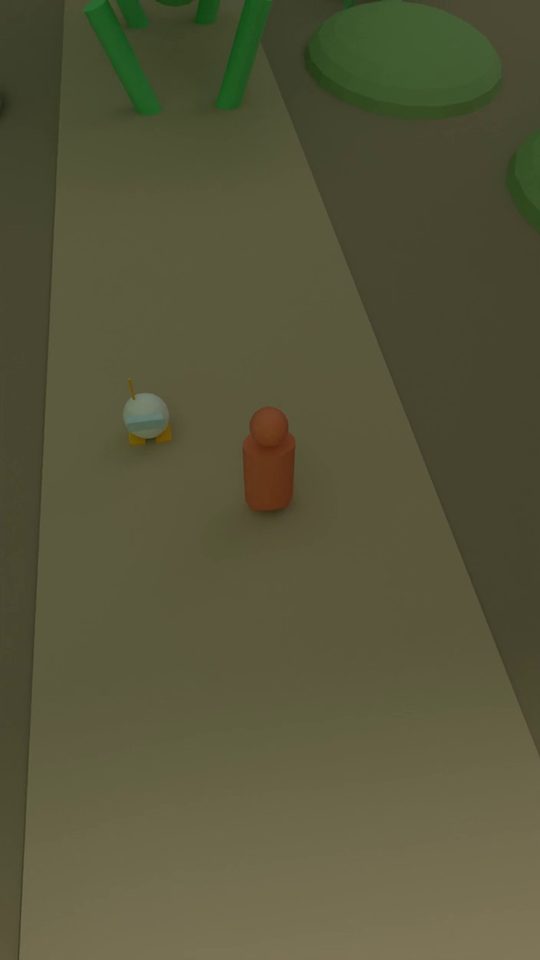
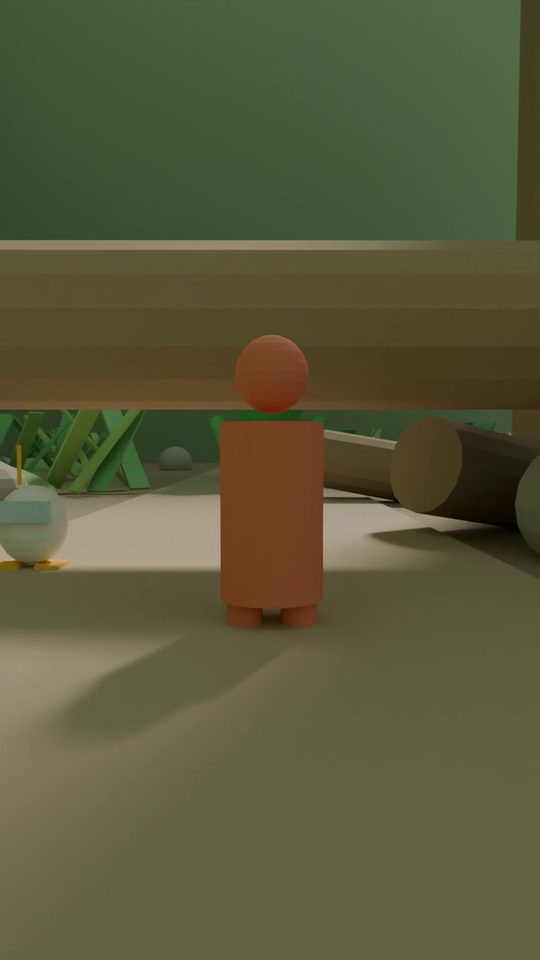
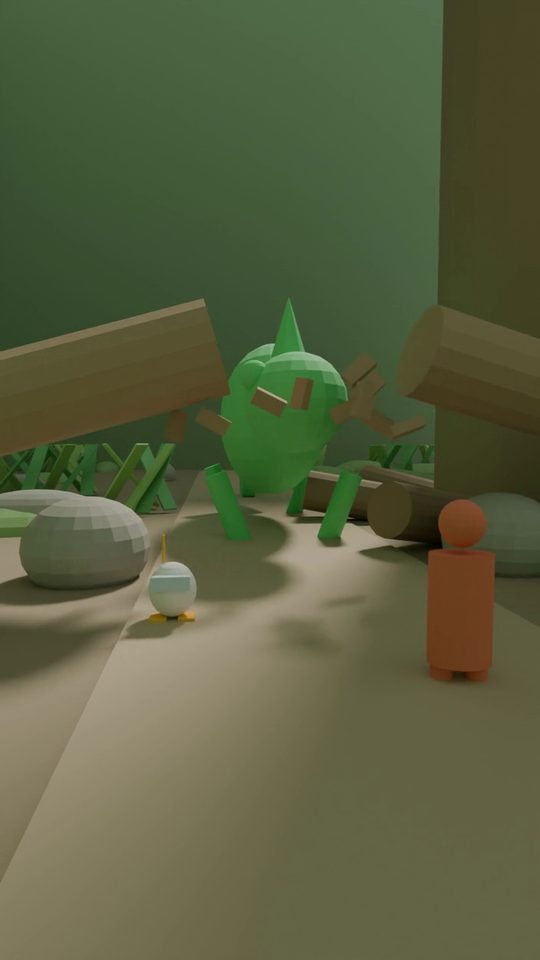
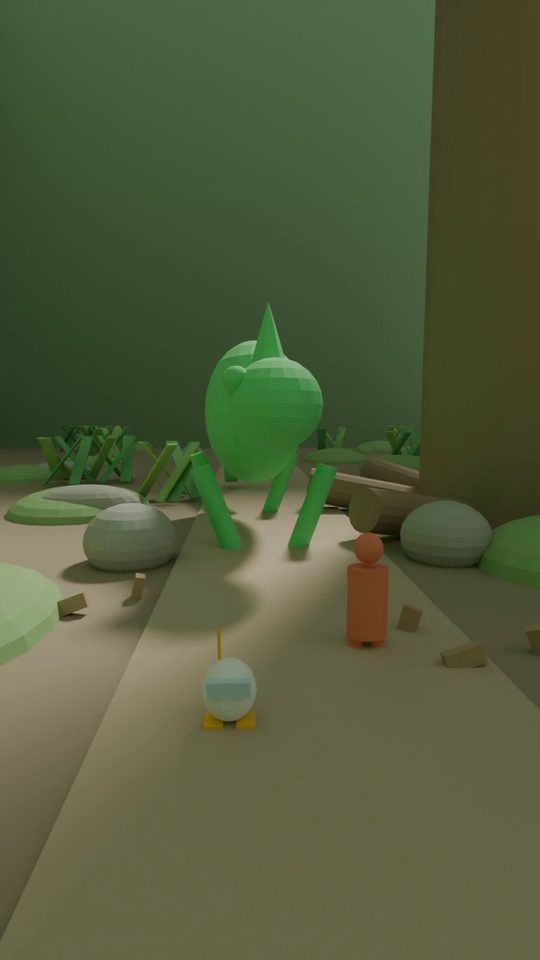
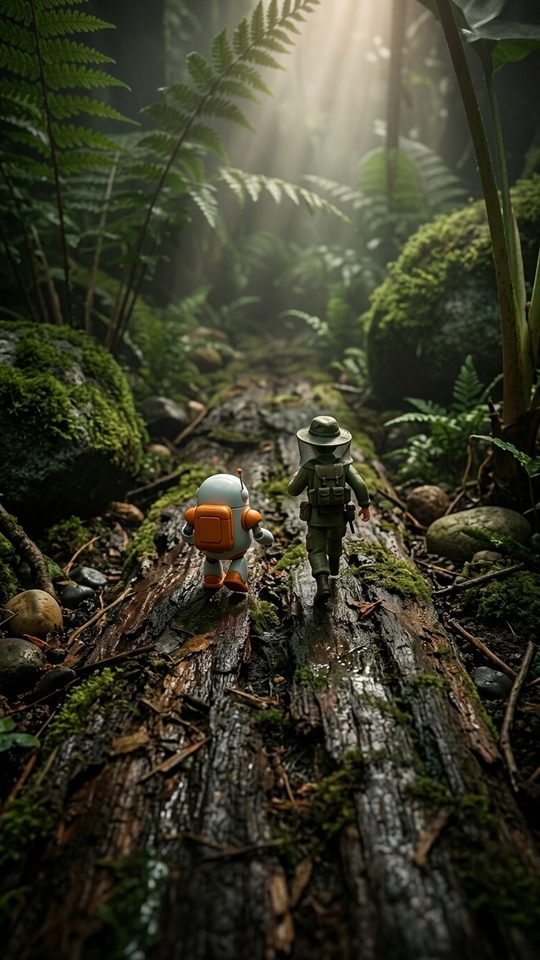

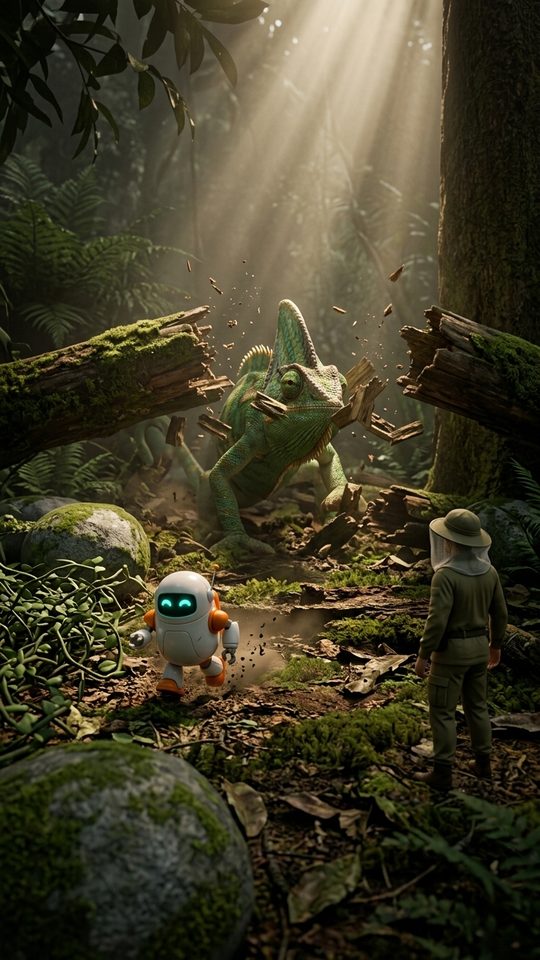
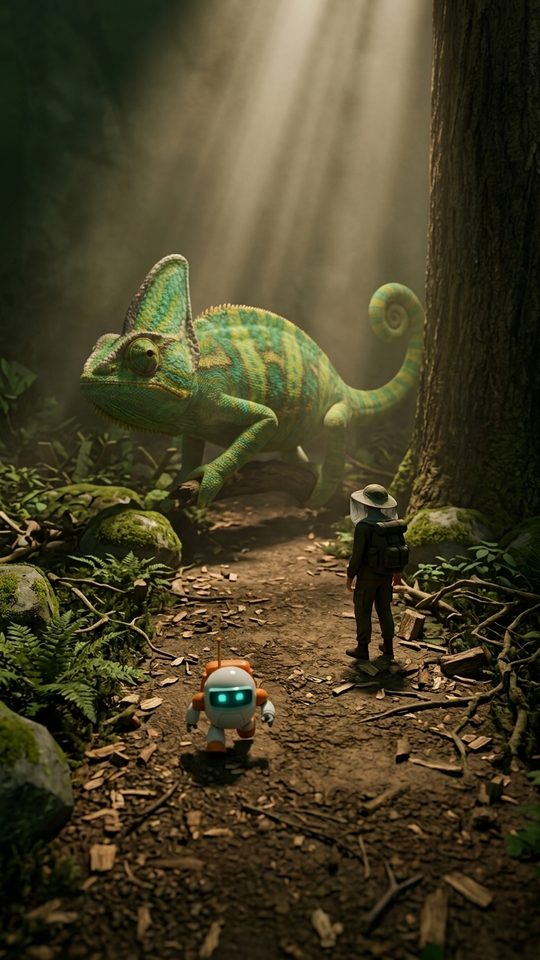 3D blockoutKey frame
Same moment, same camera. Produced on the web, as a customer would.
The same block, with light and matter.
The chase block gets textures, environment light, haze, light shafts, depth of field and motion blur, and is rendered with the fast engine. That is how the guide Camera Control follows is made.
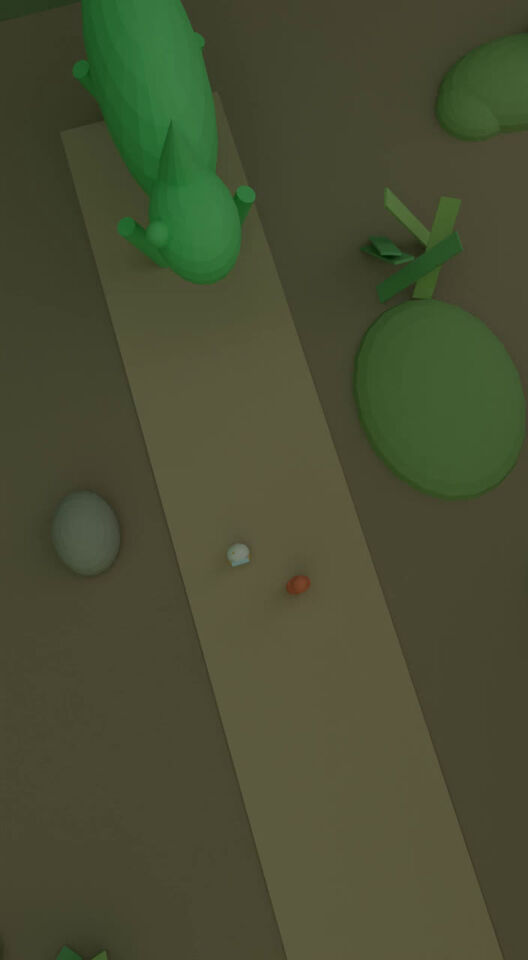
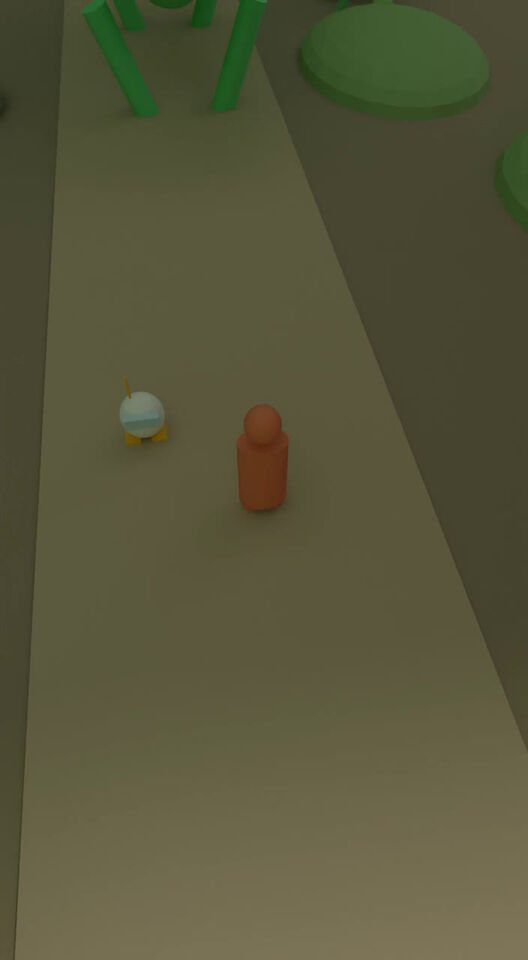
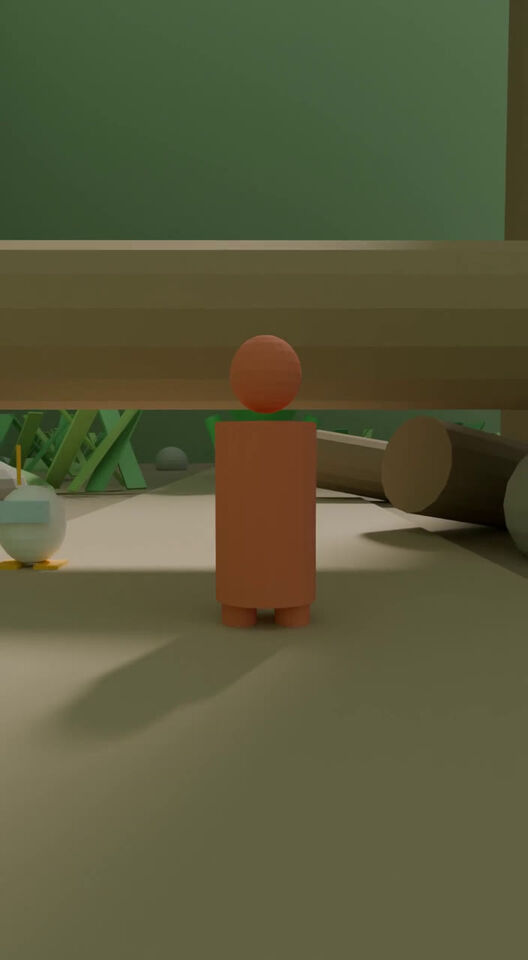
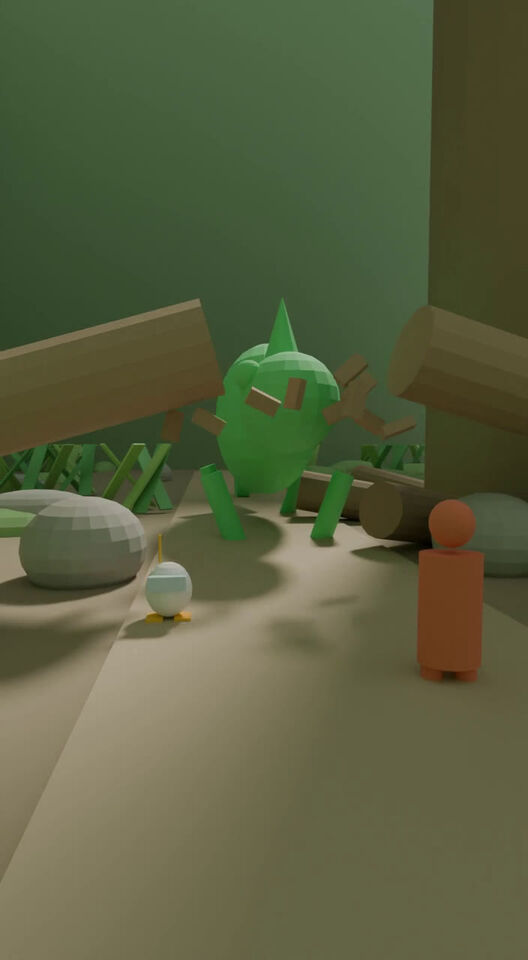
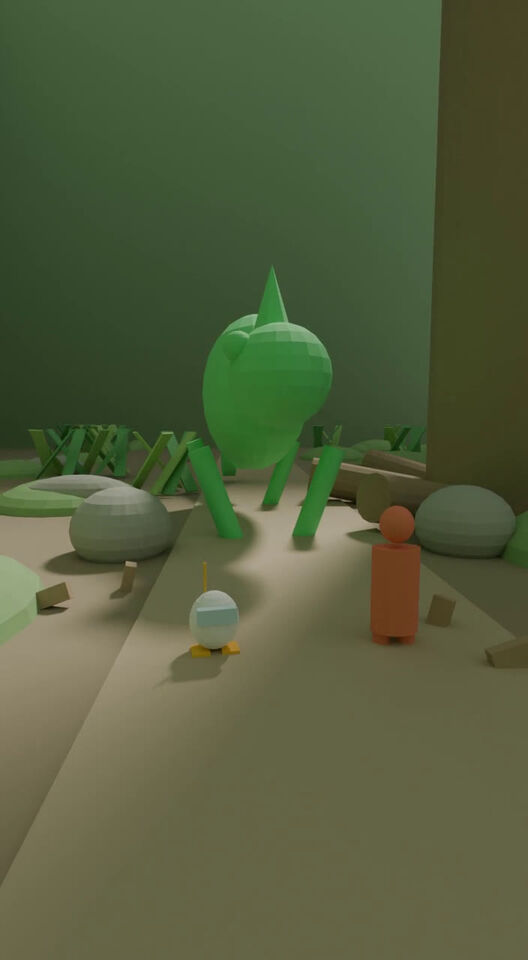
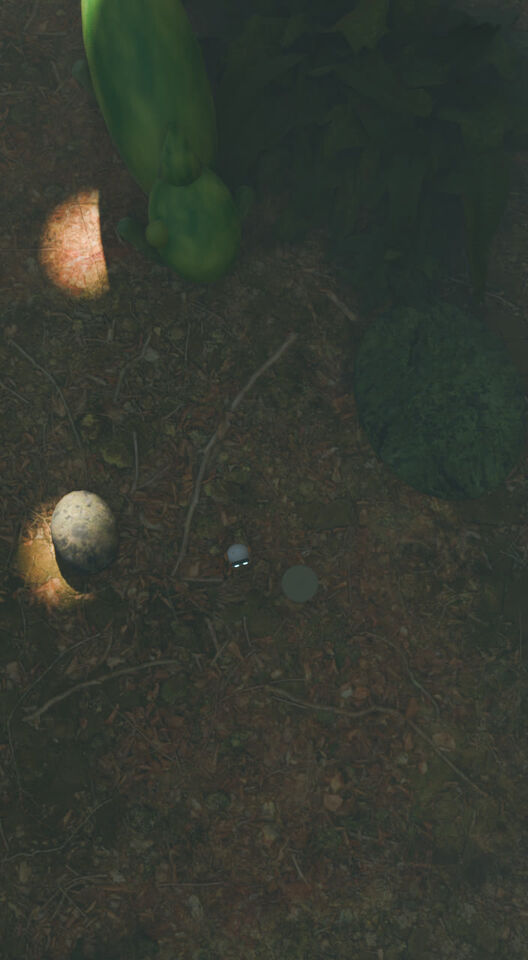
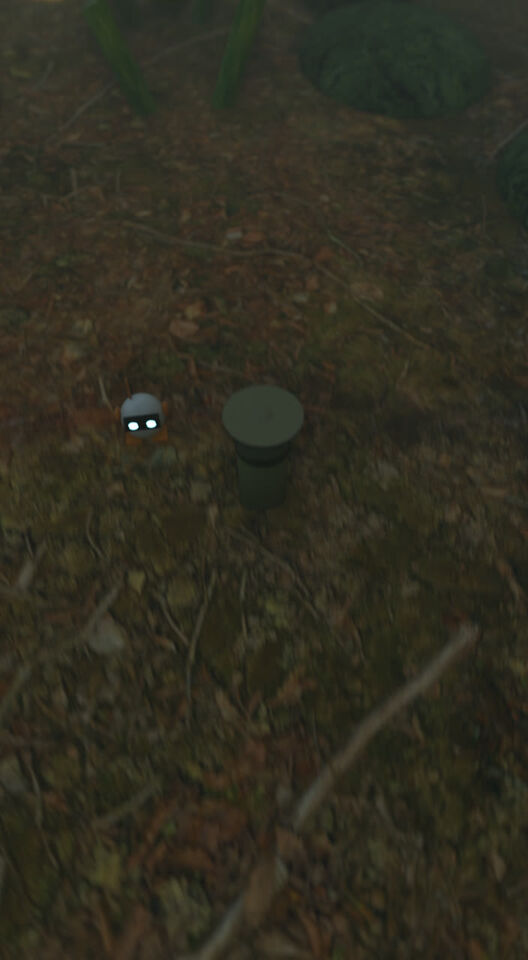
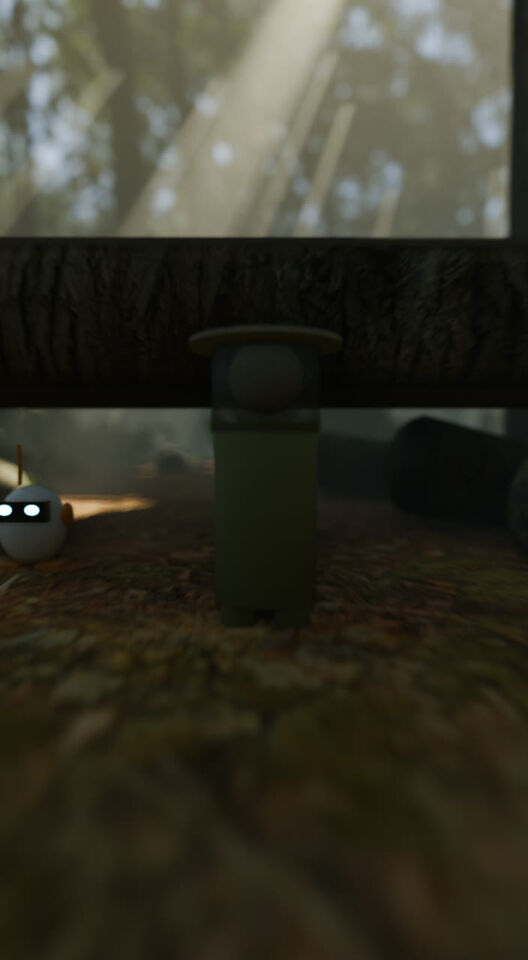
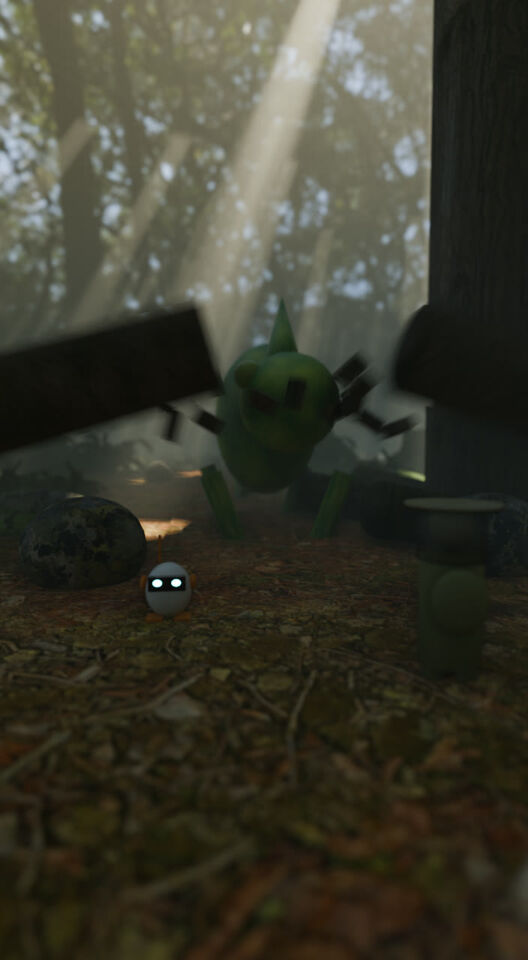
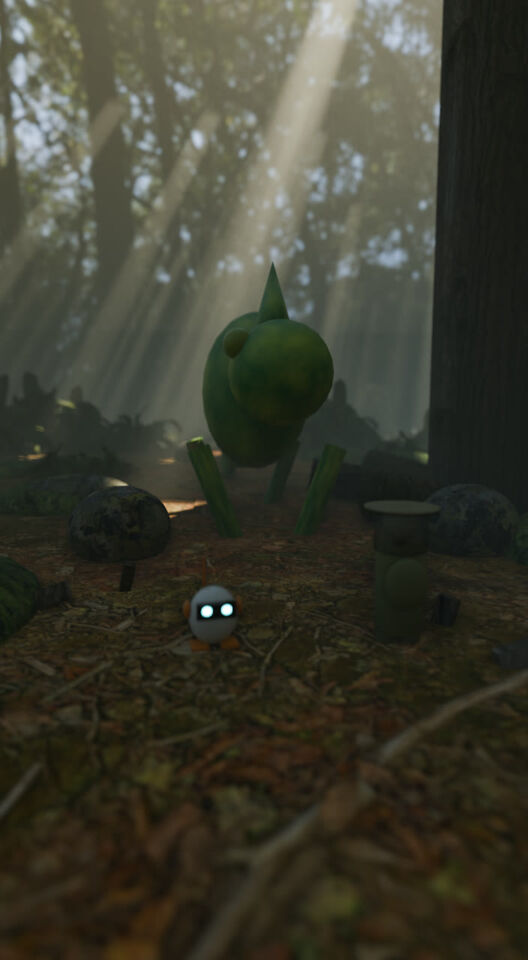 3D blockLook pass
Same file, same camera, same animation. Rendered in preproduction on 2026-11-18.
- 0.42 s / frameMedian per frame on one L40S GPU, with 48 samples, depth of field and motion blur.
- 240 frames in about 2 GPU minutes in total, on two GPUs at once.
- Textures, environment and ferns from CC0 libraries, each licence recorded.
- The fast engine is in testing: it approves the camera and feeds the video; fine detail comes later with MYEQ v2.
Two speeds. You choose which one you pay for.
The same scene, the same camera and the same GPU. Fast is for approving composition and motion; detailed is for the delivery that needs ray tracing.
Fast
In testing- 10 s at 1080p and 30 fps in 2 min 39 s
- For previews, camera approval and feeding the AI video
- Fine detail comes later, with MYEQ v2 and Refine
Detailed
In production- 10 s at 1080p and 30 fps in 13 min 9 s
- GPU ray tracing, 128 samples with denoising
- For architecture, product and exact reflections
Our own technology, evolving Blender 5.3.
What MYEQ.PRO has built
- Native scenes and real-scale blockoutsCharacters from 0.25 to 4 m, objects and camera, created from the chat or over MCP.
- CAD and BIM importDXF, DWG and IFC become a mesh, with six architectural camera routes ready to use.
- A quote and a receipt for every renderMaximum price before it starts. You are charged the measured cost and the rest returns to your balance.
- From render to videoThe render becomes the guide for Camera Control and MYEQ v2 in the same project.
What Blender 5.3 brings
- Your .blend, as it isIt keeps its camera and its animation. Scripts in the file never run.
- GPU ray tracingFour quality levels, from 32 to 2,048 samples, or the number you set.
- Colour managementAgX, Standard, Khronos PBR Neutral or Filmic, with exposure from −10 to +10.
- Up to four GPUs per accountEach render takes as many as it needs to finish fast; the frames are assembled into a single video.
.blend.glb.gltf.fbx.obj.usd.usdz.abc.stl.ply.dxfmesh.dwgmesh.ifcmeshThe real limits of the service.
| Resolution | up to 3840 × 2160 |
|---|---|
| Frames per second | |
| Duration | up to 60 s per render |
| Outputs | |
| Camera | |
| Samples | |
| Colour | |
| Access |
Your computer stays free. The render is already queued.
Nothing to install or configure
No drivers, no versions, no farm licences. You upload the file and choose a quality.
You pay what was measured
The quote is a maximum. When the render ends you are charged the real GPU time and the difference is returned.
If it does not finish, you do not pay
A render that does not finish releases its reserve. The receipt records engine, colour, frames and timings.
The render is not the end
It stays in the project resources, ready to become AI video, go up to 4K or enter the edit.
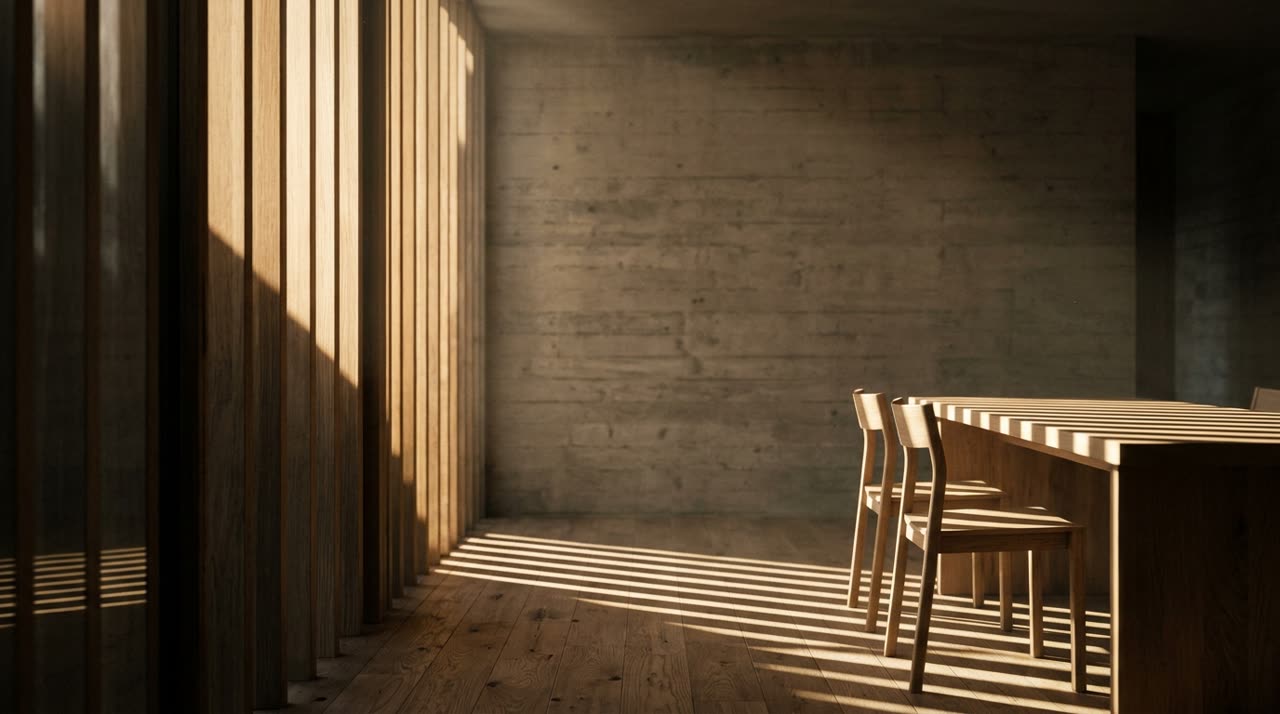
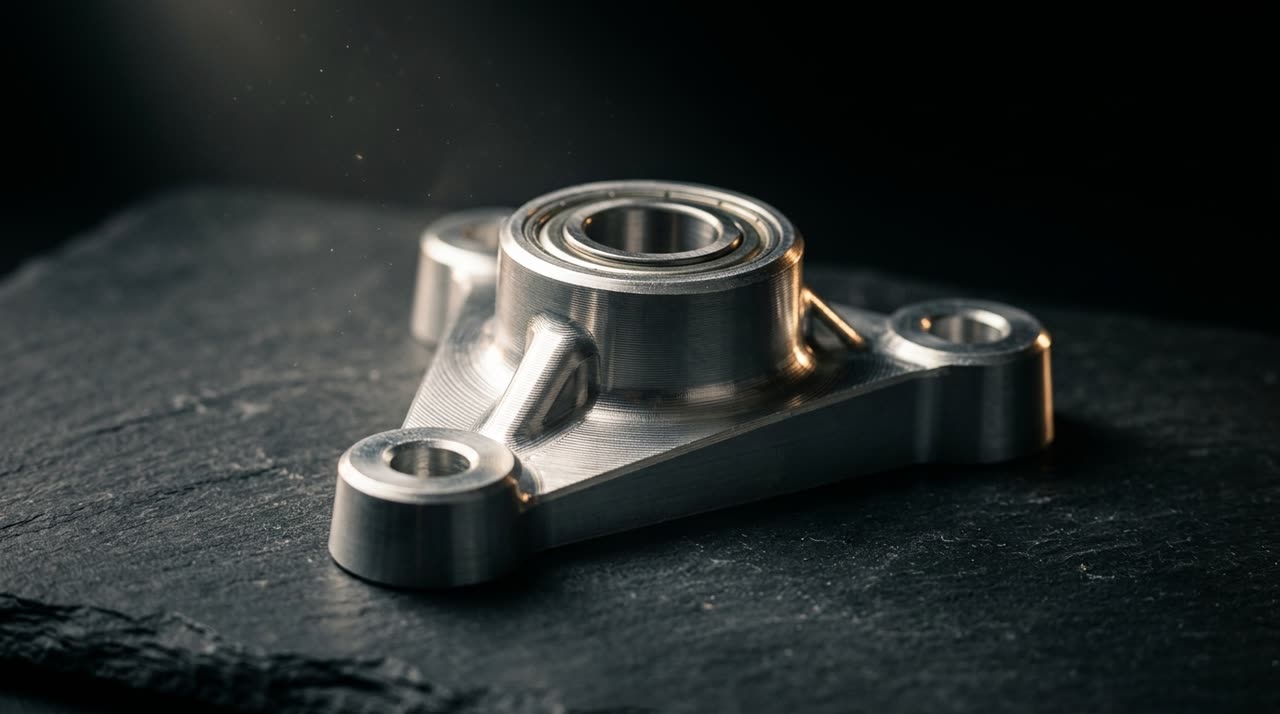
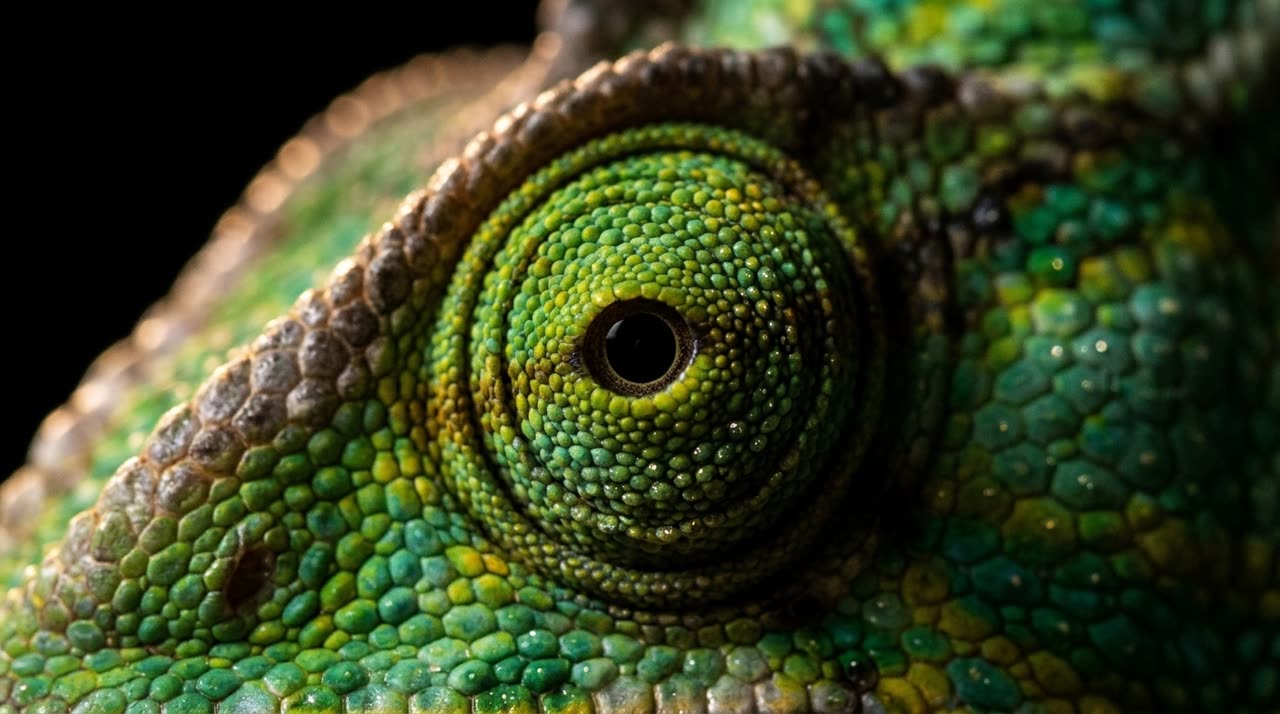
Frames generated in MYEQ.PRO for the training video.
Every product works on the same project
Upload the file.
See the price.
Decide afterwards.
The quote is free and reserves no balance until you confirm it.