Camera moves, decided before you pay

Camera Control moves the camera through your shot along the route you choose and first shows you a free guide of the move. What the guide shows is what the video copies, so you review the motion before you spend.

13 paths drawn from their data

  • h: camera height
  • d: distance to the subject
  • keys: positions that define the curve

Full orbit

2 m4 m6 mSubject

Plan

Guide
0 m2 m4 m6 m

Camera height

Preview of the move, rendered with this path’s camera.

What the guide shows is what you get.

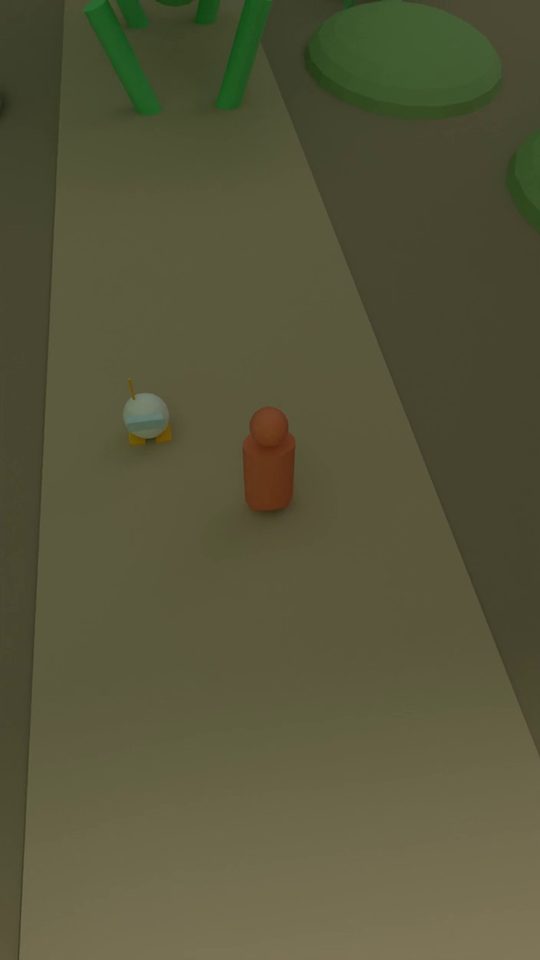
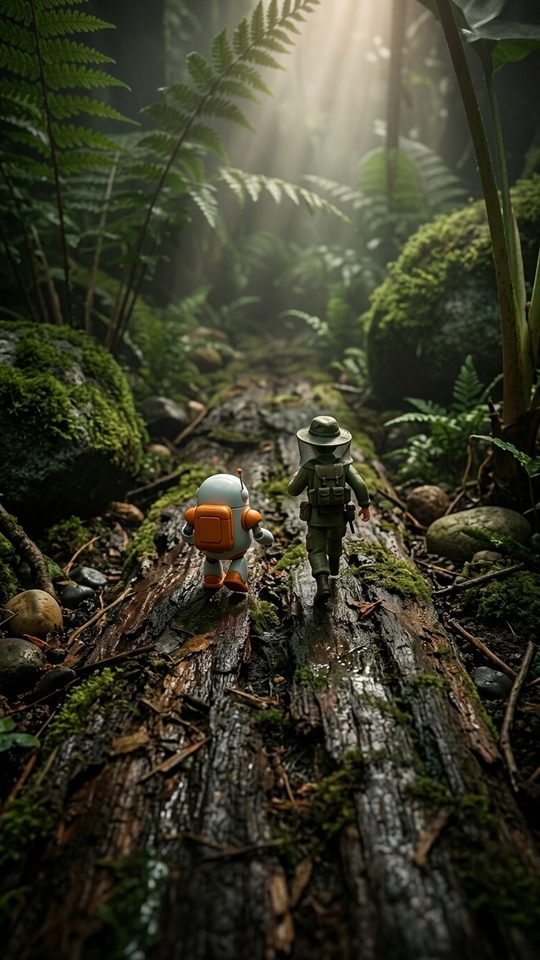
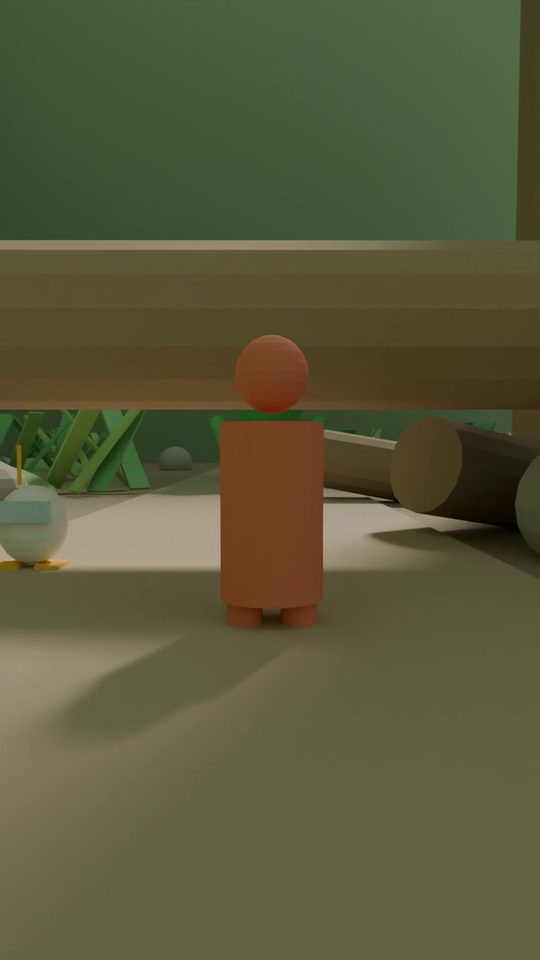
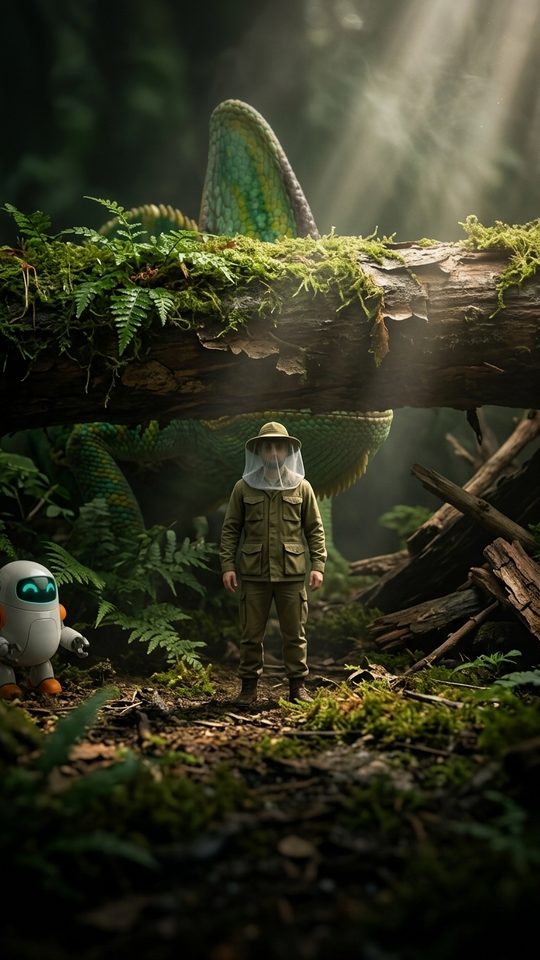
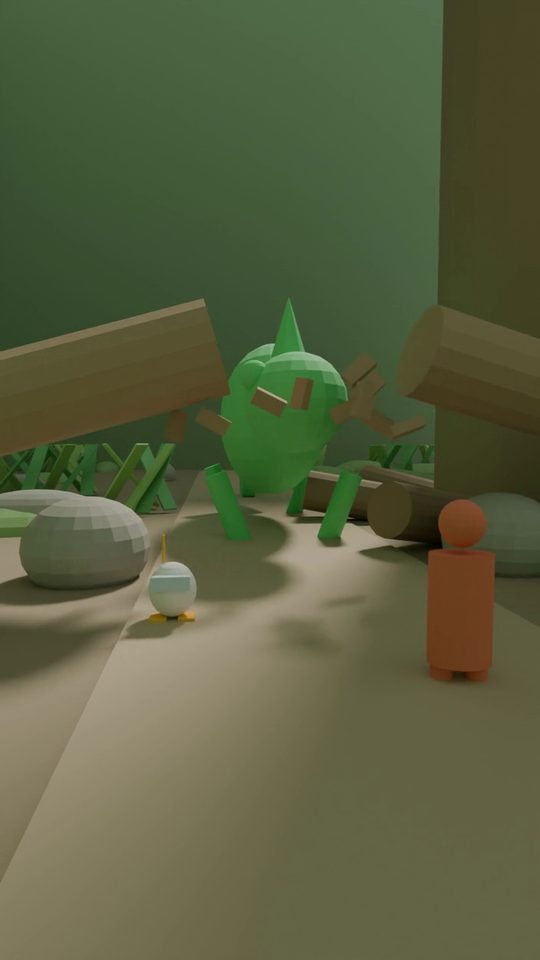
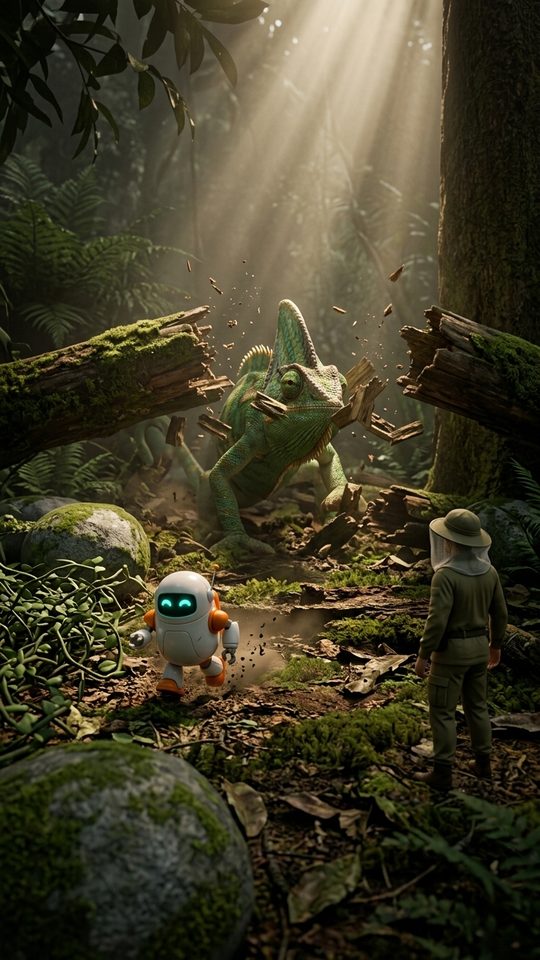
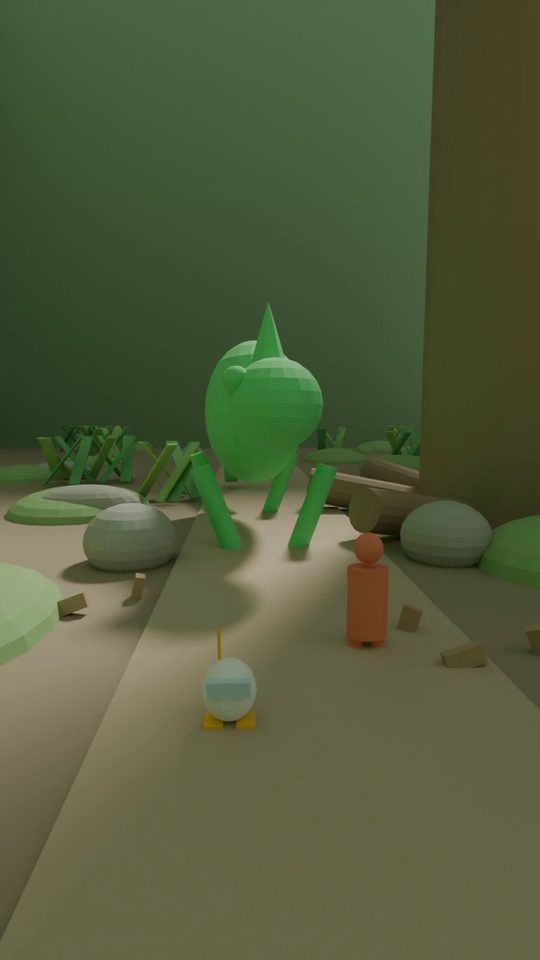
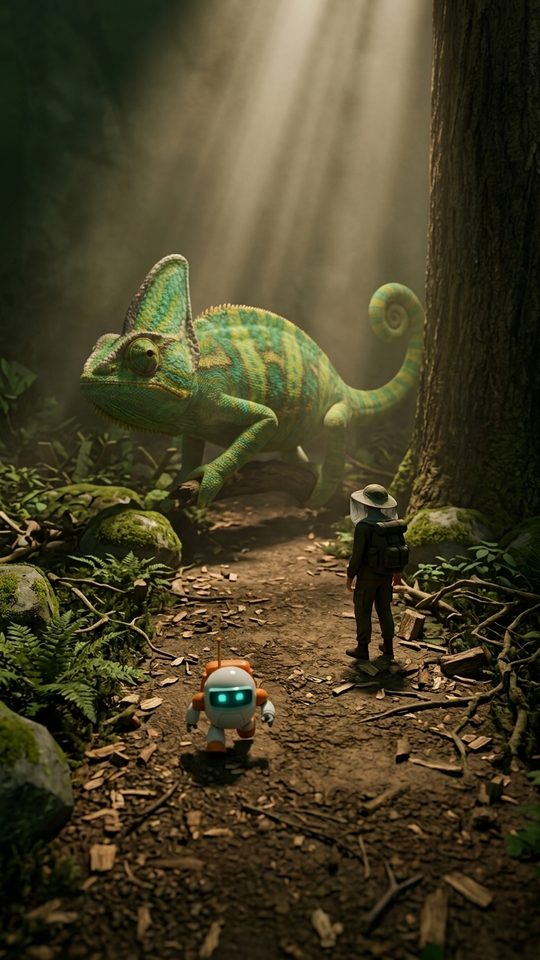
Four points of a real 15 s route at 60 fps. Above, the guide frame; below, the key frame generated at that point.

Guide frame at that point of the routeGuide
Key frame generated at that pointKey frame
  • 03.73 s
  • f 224
Guide frame at that point of the routeGuide
Key frame generated at that pointKey frame
  • 07.47 s
  • f 448
Guide frame at that point of the routeGuide
Key frame generated at that pointKey frame
  • 11.20 s
  • f 672
Guide frame at that point of the routeGuide
Key frame generated at that pointKey frame
  • 15.00 s
  • f 900
  • Chase
  • 9:16
  • produced on the web, as a customer would.

From guide render to take.

The same look pass, rendered at 60 FPS, as the Camera Control guide. The Start, waypoint and End photos were made from its own frames with «Balanced». The take follows the camera of the guide.

GuideCameraCharacters
Look pass at 60 FPS: Start, 2 waypoint photos and End0.940.96
Look pass at 24 FPS: Start, 1 waypoint photo and End0.910.92
Grey block without textures: best setting tried0.880.73

Motion correlation of the take with the guide (1 = identical), measured on 2026-11-19 on the same 10 s chase. Before generating the 60 FPS take, the web showed a maximum price of US$1.89 (10 s, 704×1280); the measured use is charged.

Guide render
Take

First the guide. Then the video.

See the move before you generate

Every path first produces a guide of the move, at no cost, with its checks. The video is generated only once the guide convinces you, with its maximum price on screen.

  • Free guide of the move
  • Checks before you pay
  • Maximum price before generating
  • The video follows the guide

From an orbit to a barrel roll

Thirteen geometric paths: front and reverse 360° orbits, a 180° orbit, a rising helix, a descending arc, a figure eight, gallery entry and exit, a roof reveal, a banked flyby, a barrel roll, a detail inspection, a double orbit and a shoulder reveal. Plus classic moves such as dolly, crane, pan and tilt.

  • 180° and 360° orbits
  • Helix and arc
  • Figure eight and double orbit
  • Banked flyby and barrel roll
  • Shoulder reveal
  • Dolly, crane, pan and tilt

From a photo, a 3D scene or a render

With a single photo, moves that do not reveal what the photo cannot see work as they are; for wide routes, add waypoint photos of every side the camera will show, or start from a MYEQ 3D blockout or a MYEQ Render frame.

  • A photo of the scene
  • Waypoint photos for wide routes
  • A MYEQ 3D blockout
  • A MYEQ Render frame

Real delivery formats

At 24 FPS, any whole second from 1 to 15 s on the 704 and 1080 canvases (16:9 or 9:16), and up to 10 s in square 1:1. At 30 and 60 FPS only some lengths are admitted: up to 12 s at 30 FPS and 14 s at 60 FPS on the 704 canvas, and up to 8 s and 10 s on the 1080 and square canvases. The specifications list every exact length.

  • 16:9, 9:16 or 1:1
  • 24, 30 or 60 FPS
  • Up to 15 s at 24 FPS
  • 704 or 1080 canvas

Formats and limits

SourcesA photo, waypoint photos, a MYEQ 3D blockout or a MYEQ Render frame
Camera paths13 geometric paths plus classic camera moves
Before you payA free guide of the move and its checks
704 canvas
  • 16:9 / 9:16
  • 24 FPS: 1-15 s
  • 30 FPS: 4, 8, 12 s
  • 60 FPS: 2, 4, 6, 8, 10, 12, 14 s
1080 canvas
  • 16:9 / 9:16
  • 24 FPS: 1-15 s
  • 30 FPS: 4, 8 s
  • 60 FPS: 2, 4, 6, 8, 10 s
Square 1:1
  • 1:1
  • 24 FPS: 1-10 s
  • 30 FPS: 4, 8 s
  • 60 FPS: 2, 4, 6, 8, 10 s
OutputAn MP4 video generated with MYEQ v2

Plan your first camera move

Create an account, pick the path and review the free guide before generating.